Create a work record
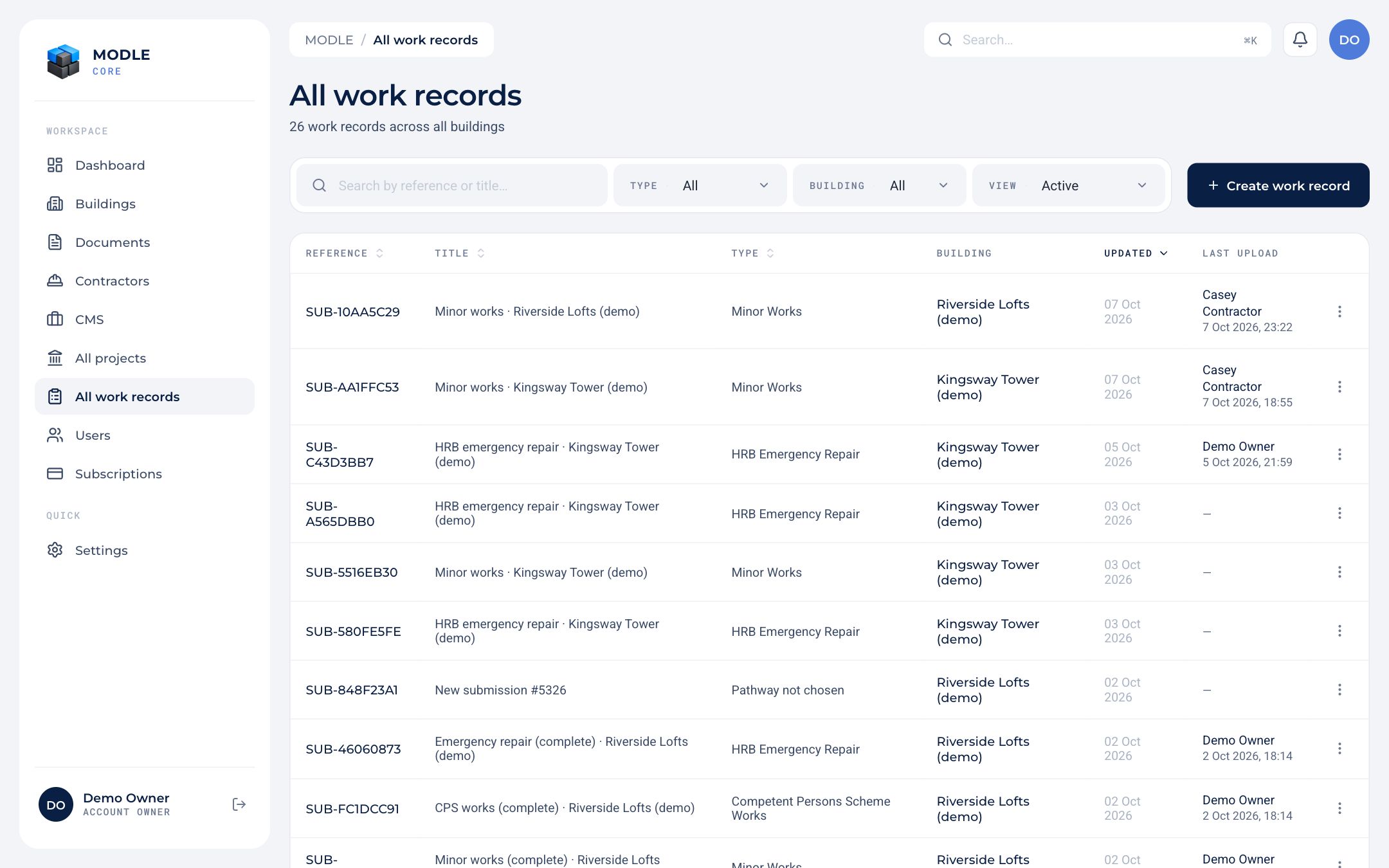 All work records, filtered by type, status and building.
- Press Create work record from a building, a project, selected assets or All work records.
- Project Setup: the reference, the client, the works order number and the start date.
- Read the Help guide, then Pick pathway: the type of work. See Pathways.
- Fill in the pathway's steps. Each step saves on its own, so several people can work on a record at once without overwriting each other, and you see who else is in it.
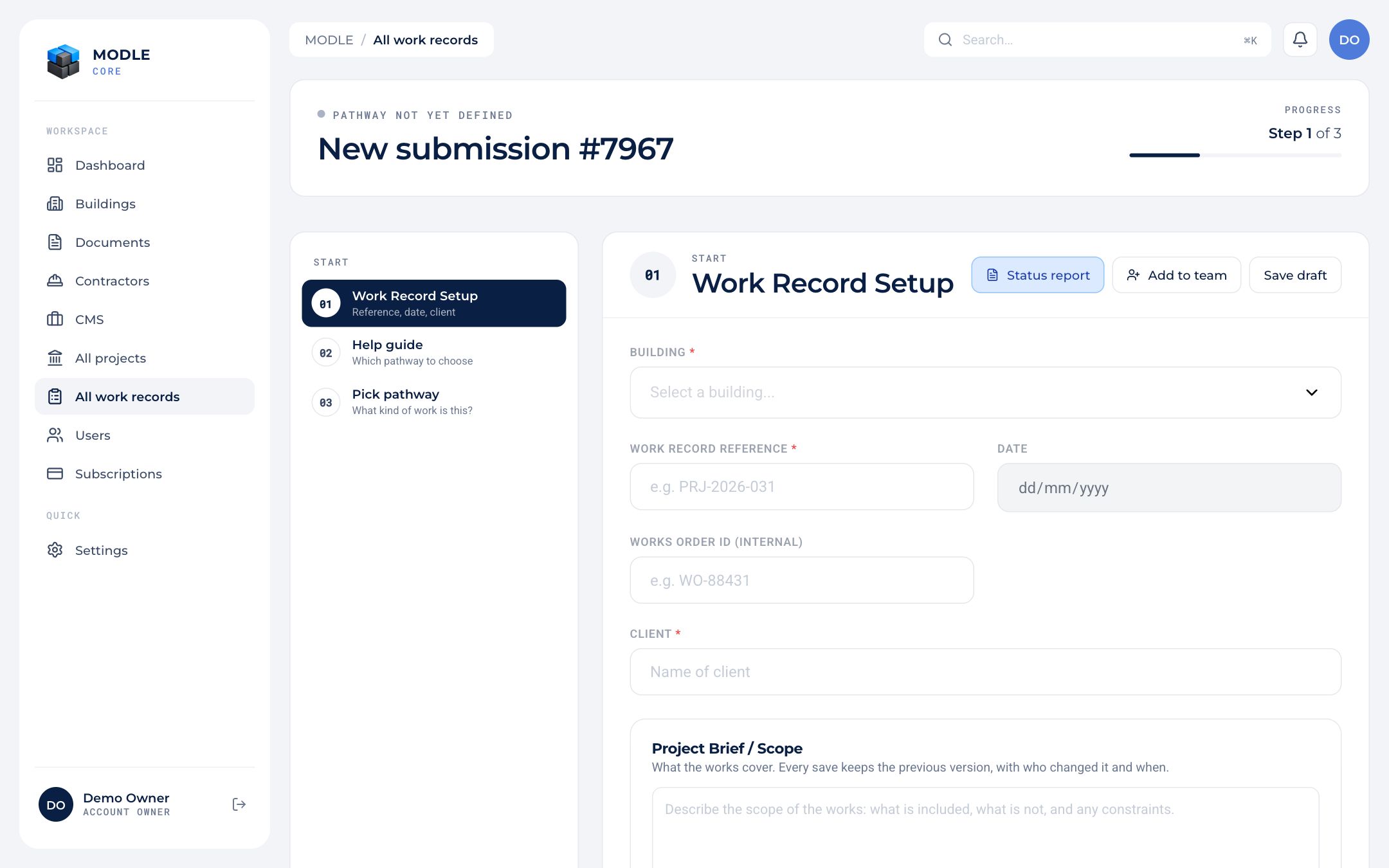 A new work record at its Project Setup step.
Anyone except a super admin or a notifee can create a work record. Its creator, an account owner or admin of the building, and anyone invited to it can edit it.
Records can also be started and filled in on site with the Site app.