What the Site app is
Site is the iOS and Android companion to Core. It signs in with your Core account and works on the same buildings, assets, plans and work records, so everything captured on site appears in Core for the rest of the team. You see the same buildings and records as on the web, and every connection is encrypted.
The app has five places, always at the bottom of the screen:
| Tab | What is there |
|---|---|
| Building | The selected building at a glance: evidence on record and what needs attention. |
| Register | The building's assets and floor plans. |
| + (centre) | The camera, to capture new evidence. |
| Records | The building's work records and projects. |
| Settings | Your profile, your evidence, sync status and log out. |
Choosing a building
Everything in Site belongs to one building, shown at the top of each screen. Tap Change to switch building. New building finds the address with Ordnance Survey, by postcode or street, or lets you type it; the rest of the building's details are completed in Core.
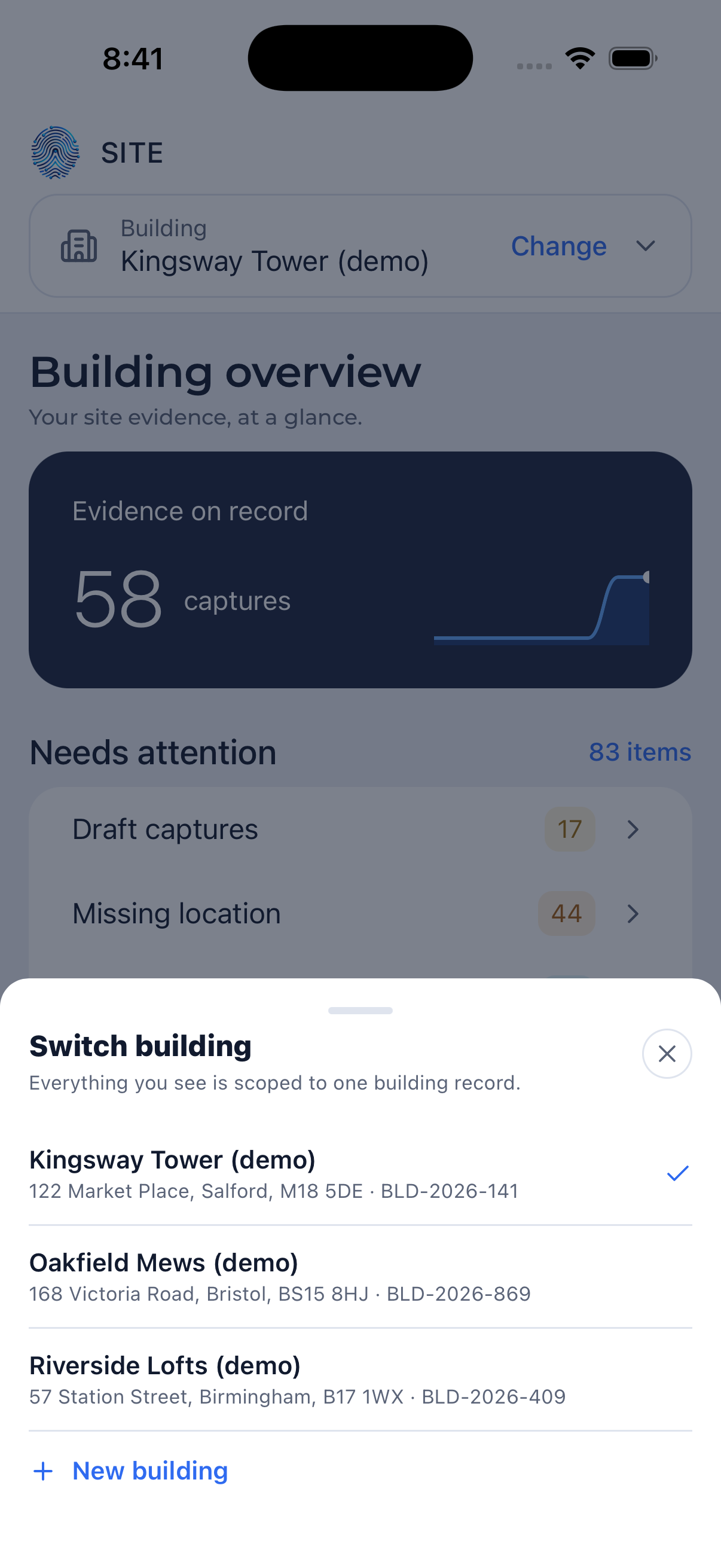 Switch building
The building overview
- Evidence on record: how many captures the building holds.
- Needs attention: captures still in draft, captures missing a location, and captures waiting to be sent to Core. Tap a row to deal with them.