Assets and plans on site
- Assets lists the building's assets with their location. Filter, or Add new asset. Assets created from a capture show as Draft until their record is complete.
- An asset's page shows its details and custom fields, the work records that touched it, its datasheets and its materials. If it has no location, Add location asks for the floor and the room or place.
- Plans shows a plan per floor with the pins of its assets. Add a floor, or replace a plan and keep its pins. Open a plan to zoom and pan; Show drafts includes draft assets. Tap a pin to see the assets there.
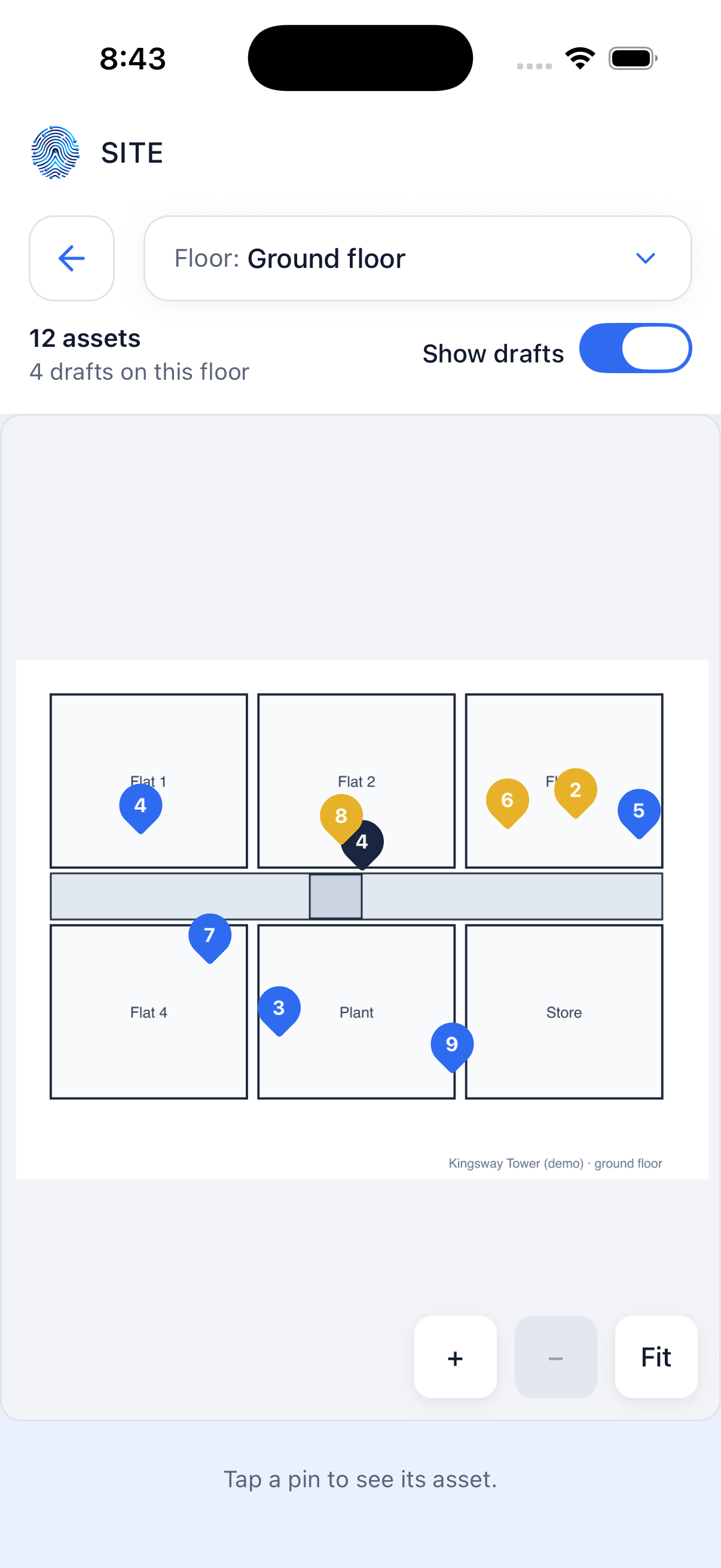 Pins on a floor plan