The building page
Open building shows the building page: a cover photo, its reference, UPRN and address, and a row of tabs. Core remembers the tab you had open for each building.
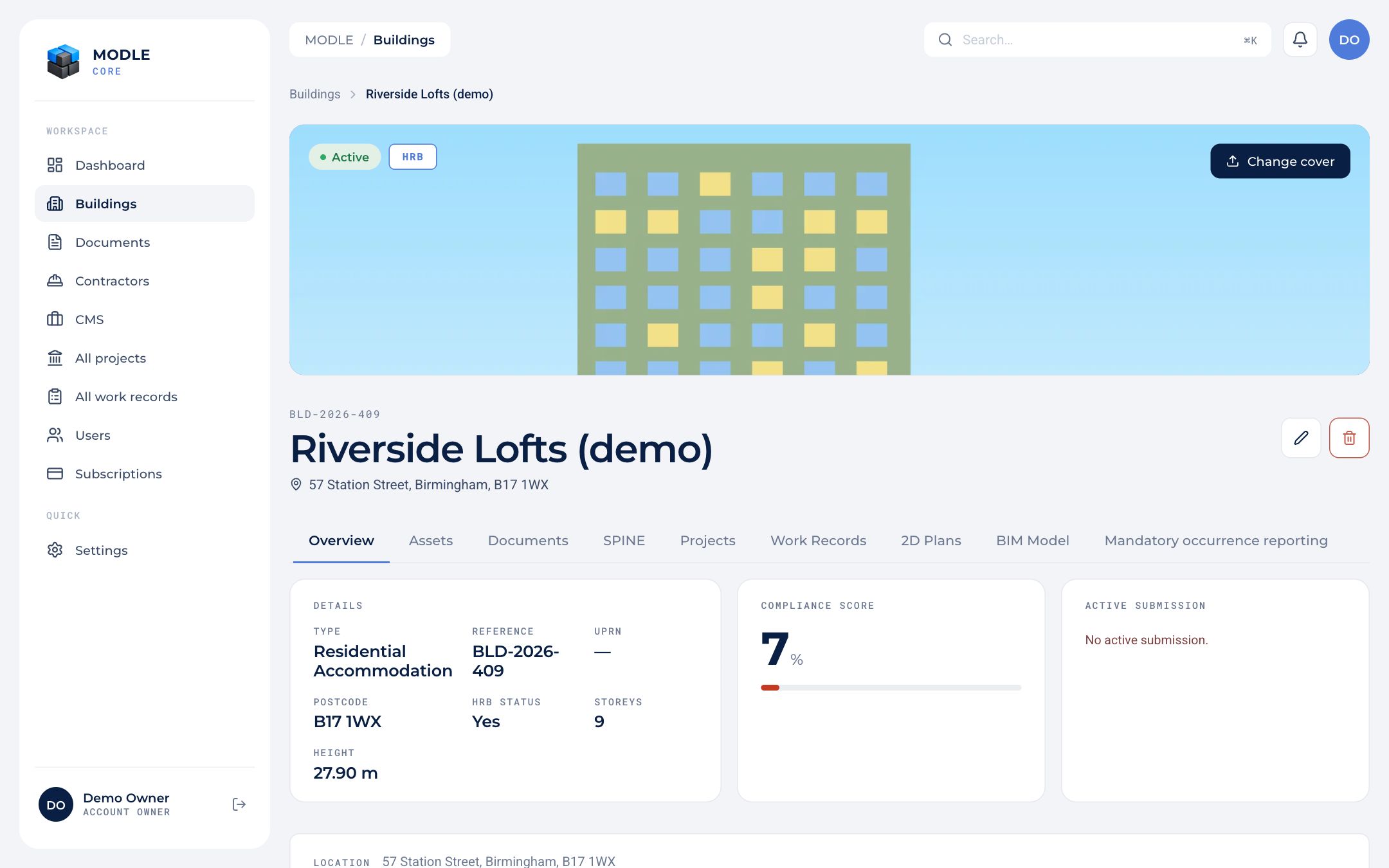 A building's Overview tab.
| Tab | What it offers |
|---|---|
| Overview | Details, compliance score, the active work record, a map with the building outline, and the Required Compliance Documents with check intervals and reminders. |
| Assets | The asset register. |
| Documents | The building's documents: upload, tag, edit details, preview, delete. |
| SPINE | Lobby screens and resident access. See SPINE. |
| Projects | Projects on this building. |
| Work Records | The building's own work records. A project's records live inside the project. |
| 2D Plans | Floor plans with pins. |
| BIM Model | The 3D model viewer and model import. |
| Mandatory occurrence reporting | HRB buildings only: MOR reports, pending or approved. |
Contractors and consultants see only Overview, Assets, Projects, Work Records and 2D Plans.