Create a building
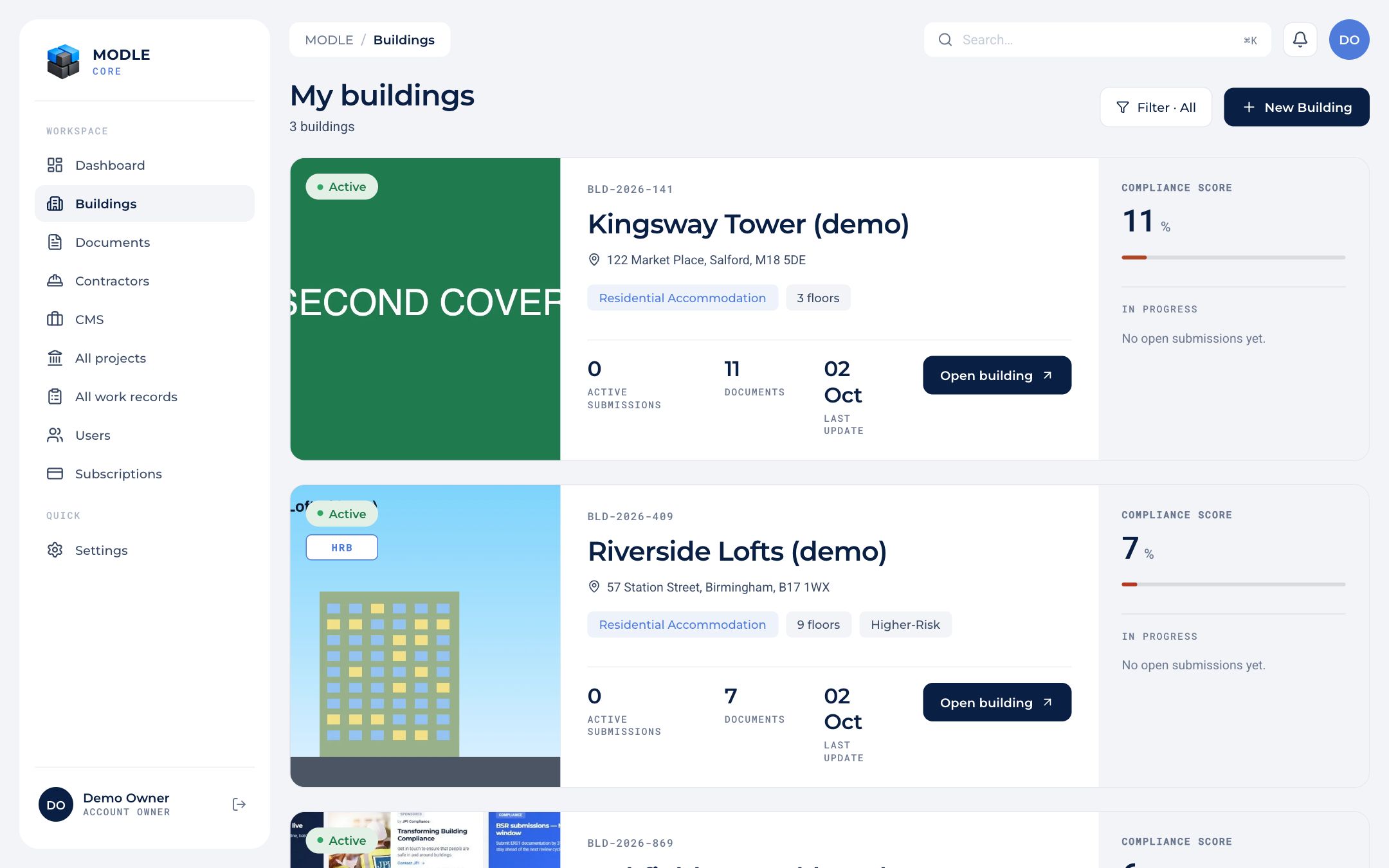 My buildings: each card shows status, HRB badge, compliance score, open records and documents.
- Go to Buildings and press New Building.
- Search the address. Core uses Ordnance Survey (OS Places) and fills in the UPRN and postcode, and shows the building's outline on the map.
- Set the building type, the number of storeys, the height, and whether it is a higher-risk building (HRB).
- Save. The building opens on its Overview tab.
Only an account owner can edit or delete a building and change its cover. Contractors and consultants can create buildings to hang their projects from.
Buildings can also be created on site with the Site app; their details are then completed in Core.